Virtual staging looks like a product of the smartphone era, but the idea behind it goes back to 1972. It started with a real estate agent who had worked in theater and got its big push from TV makeover shows. Rendering software later moved it onto a computer screen. Over the last few years, AI has started doing the part of the job that used to need a 3D artist.
We build TINTY, an AI virtual staging tool, so we have a stake in where this story goes, and we’d rather say that up front. Below is the short history, a plain comparison of manual and AI virtual staging as they stand in 2026, and the reasons we think staging photos by hand is on its way out.
Key takeaways
- Home staging started in 1972, when Barb Schwarz, a new agent in Bellevue, Washington, with a theater background, began preparing homes for sale the way a crew prepares a stage.
- TV shows such as House Doctor, Sell This House and Designed to Sell, along with the IAHSP (1999) and RESA (2007), helped turn staging into standard practice.
- 3D and rendering software (SketchUp, Revit, V-Ray, Lumion) made virtual staging possible, and in the 2010s it spread as a cheaper alternative to renting furniture.
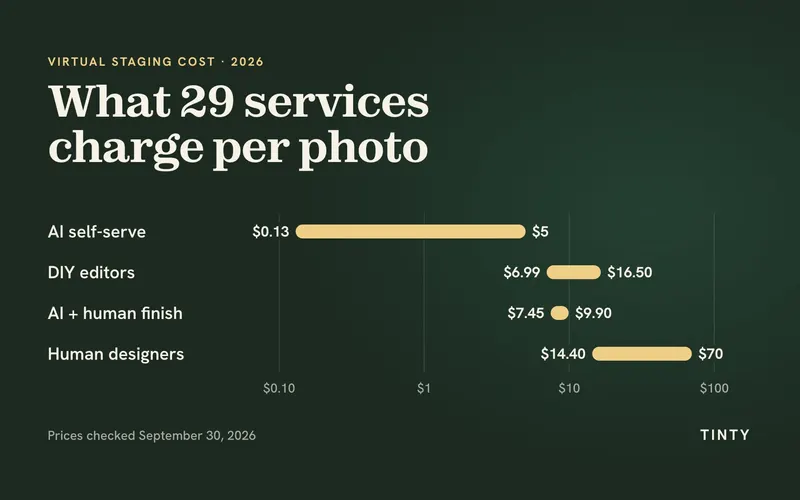
- In 2026, a photo staged entirely by hand often costs $20–$50 and can take up to 48 hours, while AI tools like TINTY return furnished previews in about 30 seconds.
- Our view: AI will take over nearly all virtual staging work, and staging by hand will shrink to a niche. Whatever tool you use, label staged photos the way your MLS requires.
How Home Staging Began in 1972
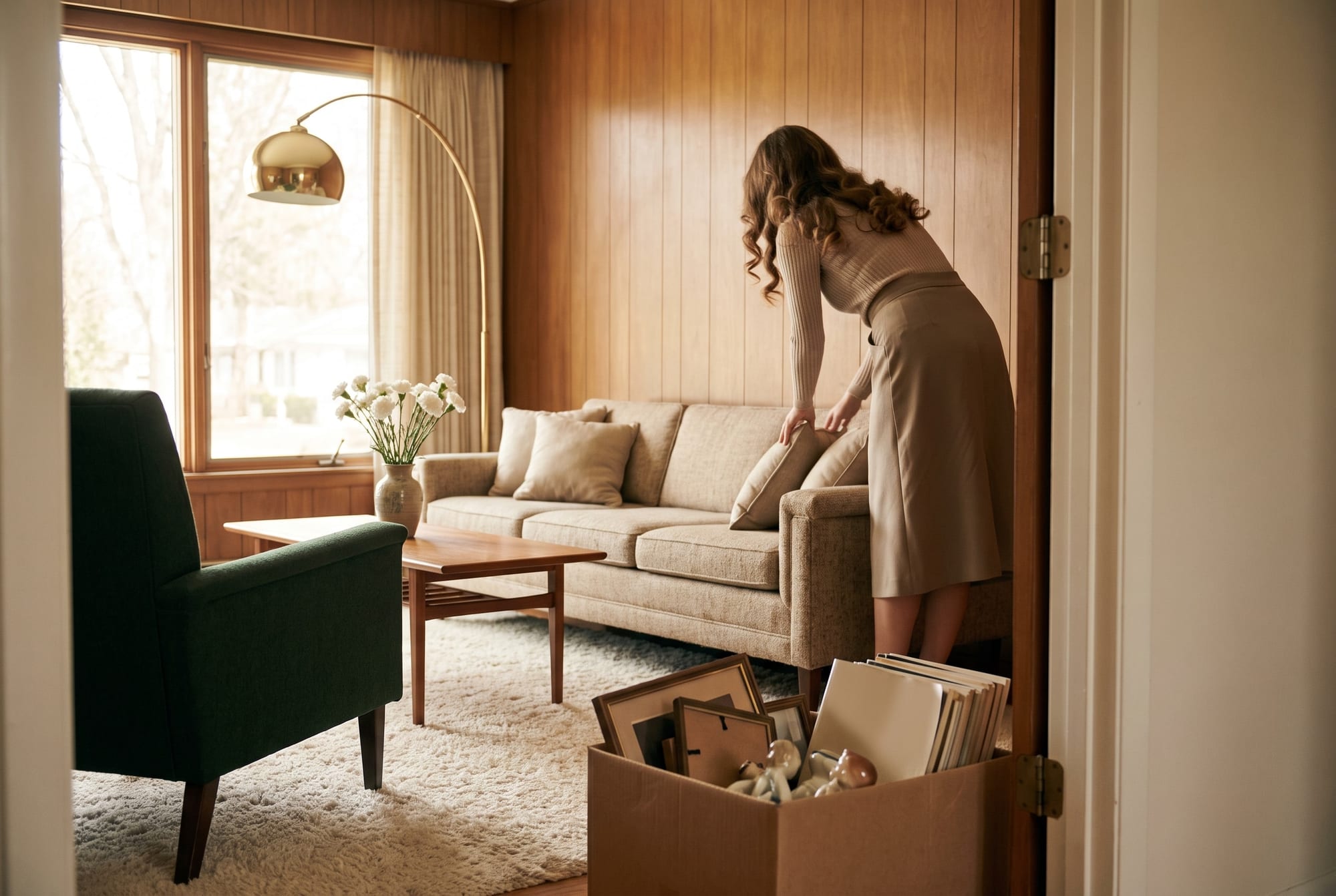
Until the 1970s, a house went on the market the way its owners lived in it. Family photos covered the walls, the recliner faced the TV, and the hall closet didn’t quite close. Buyers were expected to look past all of it.
Barb Schwarz didn’t think they could. She came to real estate from the theater, where she had worked in musicals and off-Broadway plays, and started as an agent in Bellevue, Washington, in 1972. To her, a listing was a set and the buyer was the audience. So she got houses ready the way a crew gets a stage ready before opening night:
- clearing out clutter so rooms looked bigger and brighter;
- moving furniture so every room had an obvious purpose;
- putting away family photos and collections so buyers could imagine their own;
- adding a few decorative pieces to set the mood.
She called it staging, and the name stuck. The logic hasn’t changed in more than fifty years: people buy the home they can picture themselves living in. In the National Association of Realtors’ 2025 Profile of Home Staging, 83% of buyers’ agents said staging made it easier for their clients to see a property as their future home.
Home Staging in the 1980s and 1990s
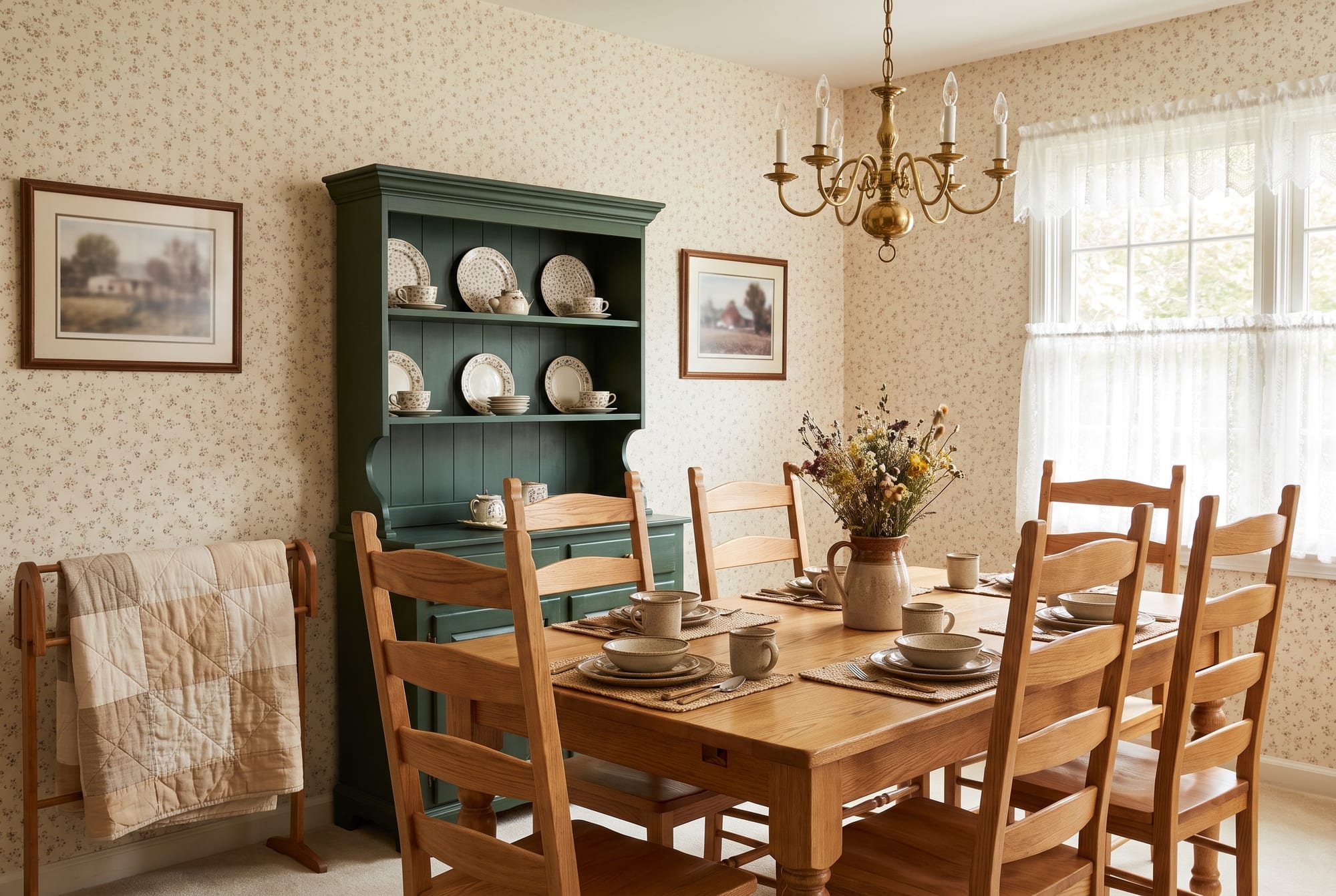
Staging in the 1980s looked a lot like the decade itself. Country kitchens, floral wallpaper, patterned fabrics and a generous number of accessories were all part of making a house feel like a home.
The 1990s went the other way. Stagers took more out than they brought in, and rooms became simpler and more practical, closer to the pared-back taste of the time.
The end of the decade gave staging both a TV audience and an institution. In 1998, Channel 5 in the UK launched House Doctor, in which Ann Maurice, a real estate stylist from California, helped homeowners restyle their houses so they would sell. A year later, Barb Schwarz founded the International Association of Home Staging Professionals (IAHSP) to back the stagers she had trained and give the new trade some structure.
The 2000s: TV Makeover Shows Take Staging Mainstream
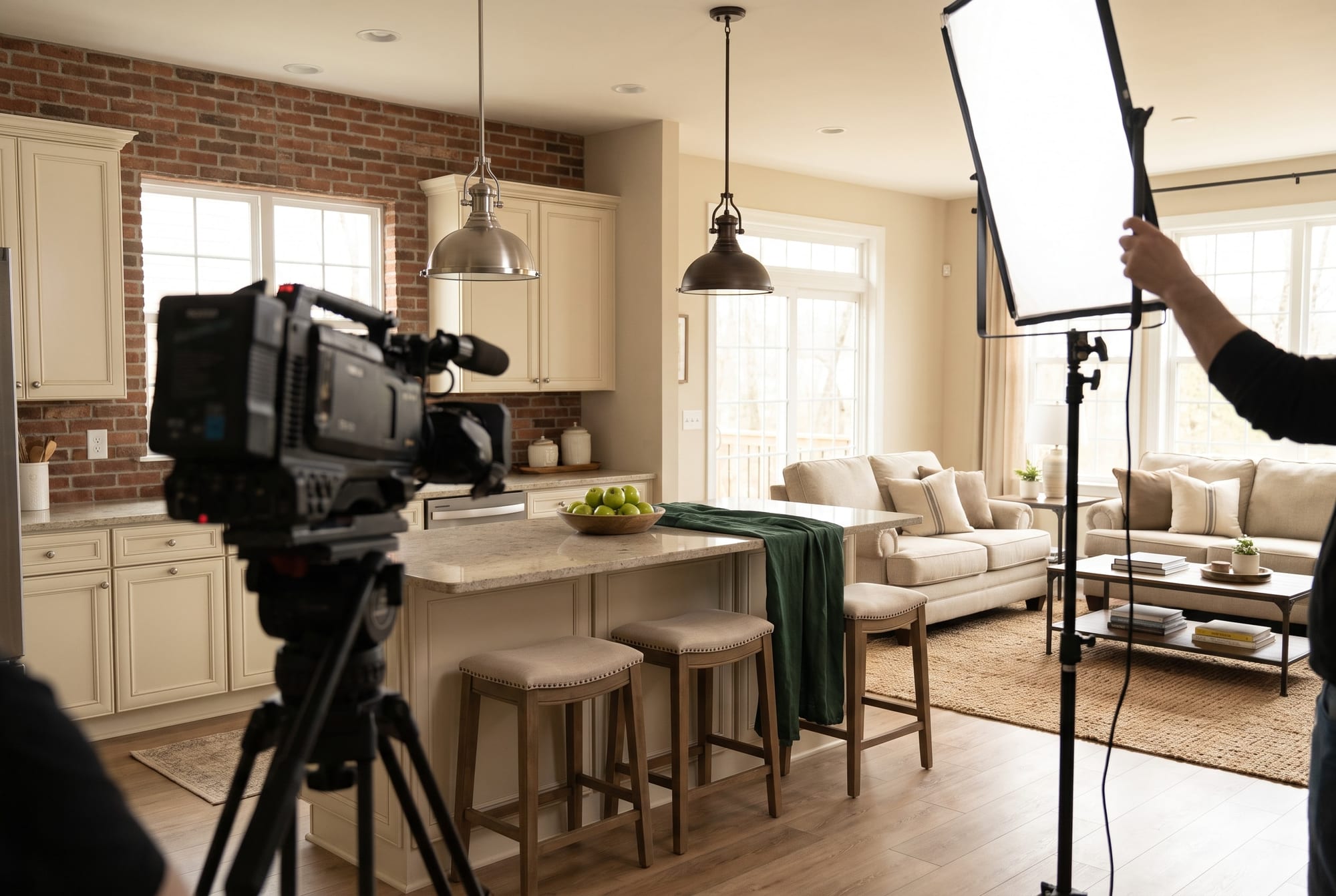
In the 2000s, American cable TV made staging something ordinary sellers talked about. A&E’s Sell This House, which premiered in 2003, filmed buyers’ unfiltered reactions at an open house. Designer Roger Hazard then restaged the home on a small budget, and the same buyers came back for a second look. HGTV’s Designed to Sell, on the air from 2004, gave its team $2,000 in materials to fix up a house that was about to be listed or wasn’t getting any interest.
Episode after episode made the same point: fresh paint and a smarter furniture layout could change how buyers reacted to a house, no big renovation required.
The look of the decade was warm and lived-in: neutral walls, exposed brick, mixed metals and kitchens you could picture hosting friends in. By the late 2000s, staging had become a routine tool for listing agents, and it had its own trade groups. In April 2007, a group of about 600 stagers and several training providers formed the Real Estate Staging Association (RESA).
The 2010s: Staging Goes Global

By the 2010s, staging was a normal part of selling in big-city markets well beyond the U.S., from London to Dubai. It also moved down-market. What had mostly been a service for luxury listings became common for ordinary houses, condos and even commercial space.
Physical staging has one big catch, though. Someone has to rent the furniture, truck it in, arrange it and haul it away after the sale. NAR’s 2025 report puts the median cost of a staging service at $1,500, and HomeGuide figures quoted by HomeLight put a typical first month at $1,500 to $4,000, with more for every extra month. For a vacant starter home, that math often doesn’t work. Agents needed something cheaper, and the software to build it already existed.
Virtual Staging: From CAD Software to Listing Photos
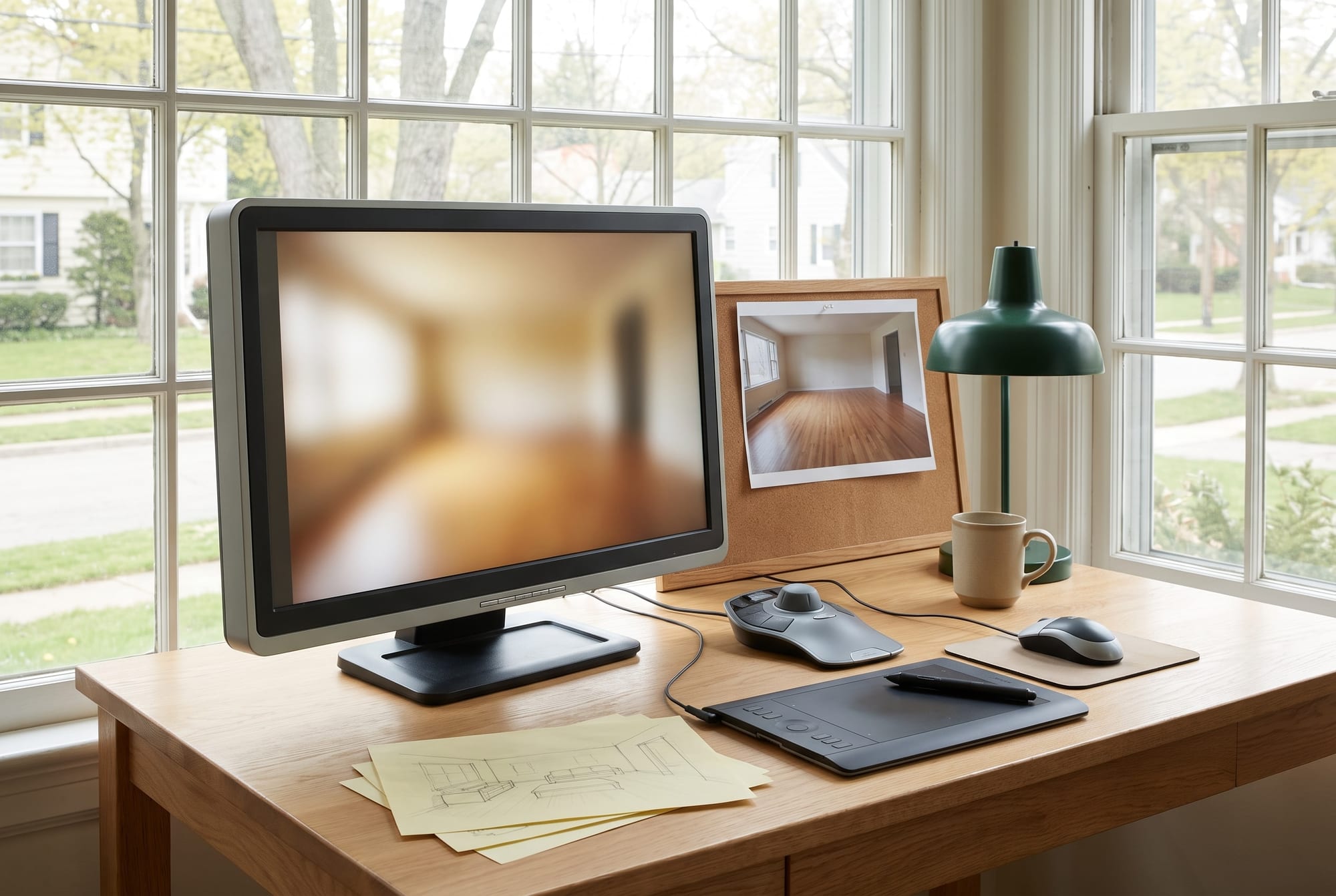
The tools came long before the listings. AutoCAD shipped in December 1982 and put computer drafting on ordinary desktop PCs, but it was built for 2D plans, not attractive pictures. In 2000, two programs made 3D modeling of buildings far more practical: Revit, released in April by a small company that Autodesk bought two years later, and SketchUp, released that August. Photorealistic rendering got within reach with V-Ray in 2002 and Lumion in 2010.
Before those tools matured, people tried pasting furniture into photos in Photoshop, and it usually showed. Flat shadows and mismatched perspective gave it away, so computer visualization stayed mostly in new-construction marketing.
Once rendering was good enough, a 3D artist could take a photo of an empty room, match its perspective and light, model furniture into it and blend the result so it looked real. That is manual virtual staging, and agents picked it up quickly in the 2010s. The pitch was easy to understand:
- It cost a fraction of renting furniture.
- It took a day or two, with no movers to schedule.
- Any room could be shown in any style and restyled later.
- Vacant listings finally had photos that showed how the rooms could be used.
AI Virtual Staging Arrives in the 2020s

Artificial intelligence as a research field dates to a 1956 summer workshop at Dartmouth, but for more than sixty years it had nothing to do with listing photos. That changed in August 2022, when Stable Diffusion, an image model anyone could download and run, was released to the public. Apps that restyle a room from a single photo appeared the same year, and tools built specifically for real estate staging followed soon after. (We covered the wider shift in how real estate businesses are adopting AI.)
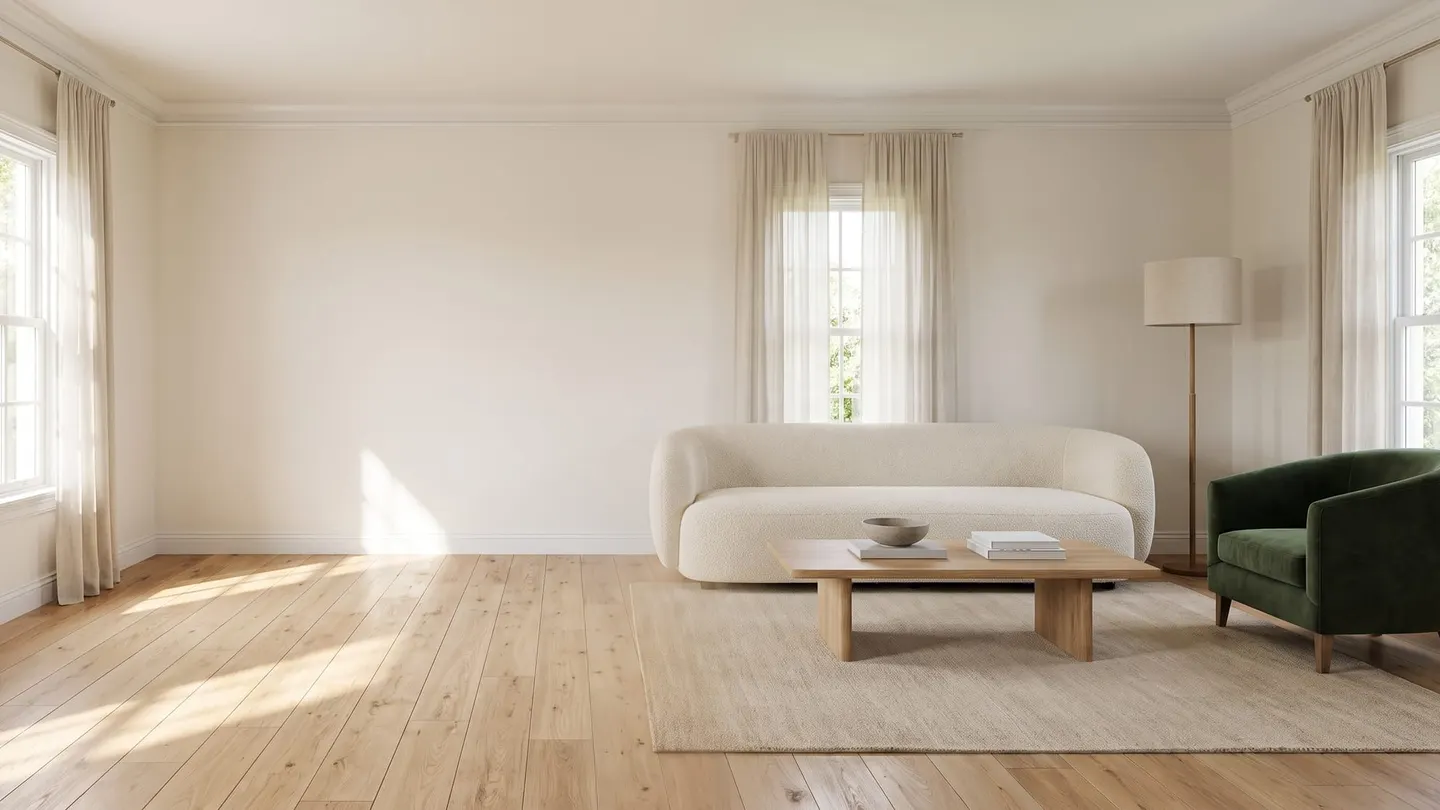
Here is how AI staging works in plain terms. A model trained on a very large number of interior photos has learned what rooms look like, down to where a sofa usually sits and how window light falls across a floor. The model behind TINTY, for example, was trained on hundreds of thousands of real interiors. You give it a photo of an empty room and tell it the room type and style. It then paints in furniture that fits the room’s geometry and light. Most tools follow the same short routine:
- Upload a photo of the empty room.
- Choose the room type.
- Choose a style.
- Generate a few options and compare them.
- Download the one you like.
Early results were hit and miss. A bed might come out too small for the room, or a window frame might bend where the furniture met it. The models have improved fast since then. In our view, the problems that remain are exactly the ones each new model generation keeps shrinking. You should still look at every image before it goes live, the same way you would check a photographer’s edits.
Manual vs. AI Virtual Staging in 2026
“Manual” here means a person stages the photo by hand, usually a 3D artist or a Photoshop retoucher working from your brief. “AI” means a model stages it and you pick from the results. This is how the two compare today:
| Manual virtual staging | AI virtual staging | |
|---|---|---|
| Turnaround | Up to 48 hours per order | Seconds to minutes; TINTY previews take about 30 seconds |
| Cost per photo | Often $20–$50 | About $1.60–$2.90 per finished photo on TINTY’s monthly plans and listing pack; previews are free |
| Revisions | Write notes, then wait for the next round | Generate another preview and compare |
| Choice of styles | Whatever you describe in the brief; a second style usually means a second paid image | Switch between preset styles; TINTY has six, plus an accent color |
| Consistency | Depends on the artist; strong when one person stages the whole listing | Reuse the same style and accent across rooms; check small details before publishing |
| Who does the work | A 3D artist or retoucher | You, in a browser |
Manual work still has an edge on unusual jobs. If you need a specific piece the seller owns placed in the room, or a full renovation shown on screen, a human artist is the safer choice for now. For the everyday job, which is furnishing an empty bedroom or living room so buyers understand the space, AI is faster and far cheaper. We think the quality gap is already small enough that most buyers scrolling a listing on their phone won’t notice it.
Will AI Replace Manual Virtual Staging? Our Bet Is Yes

We think AI will take over nearly all virtual staging work within the next few years, and staging photos by hand will become a small specialty. Here is why.
Price. When one option costs $20–$50 a photo and the other costs a couple of dollars, the cheaper one only has to be good enough. For a listing photo that buyers mostly see on a phone, we think it already is.
Timing. Listings run on a schedule. The photos come back from the shoot, and the agent often wants the listing live that same day. Waiting up to two days for staging holds everything up. A 30-second preview doesn’t.
The quality curve. Every year the models handle more of the details that used to give AI away, such as the size of a bed or the shadow under a chair. Manual work doesn’t get faster or cheaper at the same pace, because it’s still one person at a monitor.
Physical staging is a useful comparison. Virtual staging didn’t end it, and rented furniture is still the right call for some high-end listings. We expect the same pattern here, only sharper. Hand-built virtual staging will survive for special projects, while everyday bedrooms, living rooms and home offices get staged by AI. The people who stay in this work will spend less time building rooms and more time choosing and checking them.
How to Stage a Listing Photo With TINTY
- Take a straight-on photo of the empty room in daylight.
- Upload it to TINTY and choose the room type: bedroom, kids room, nursery, living room, dining room, living–dining, studio, home office or terrace.
- Pick a style (Contemporary, Transitional, Scandinavian, Modern, Japandi / Organic or Minimalist) and an accent color such as sand, green, taupe, navy or terracotta.
- In about 30 seconds you get furnished previews. Keep the one you like and render the finished photo.
- When you download it, you can add a “Virtually staged” label to the image.
Previews are free, and you don’t need a credit card to start. A free account gets 20 previews a month plus 3 finished photos with a TINTY watermark to try it; clean files come with a plan or a Listing pack. After that, the Base plan is $9 a month for 4 finished photos, Standard is $39 for 20 and Professional is $79 for 50, with yearly billing available. If you only have one listing, the $29 listing pack gives you 10 finished photos to use within 12 months.
One rule doesn’t change with the tool. Label virtually staged photos the way your MLS requires, since NAR’s Code of Ethics asks REALTORS® to “present a true picture” in their advertising.
Prices and plan details are as of September 2026.
Sources
Show 12 more sourcesShow fewer sources
- House Doctor (Channel 5, 1998–2003)
- Sell This House (A&E, 2003–2011)
- Designed to Sell (HGTV, 2004–2011)
- Real Estate Staging Association: History
- NAR: 2025 Profile of Home Staging
- HomeLight: Virtual staging vs. real staging
- AutoCAD (first released December 1982)
- SketchUp and Autodesk Revit
- Chaos (V-Ray, first released 2002) and Lumion (first released 2010)
- Dartmouth: “Artificial Intelligence” coined in 1956
- Stable Diffusion (public release, August 2022)
- NAR Code of Ethics, Article 12