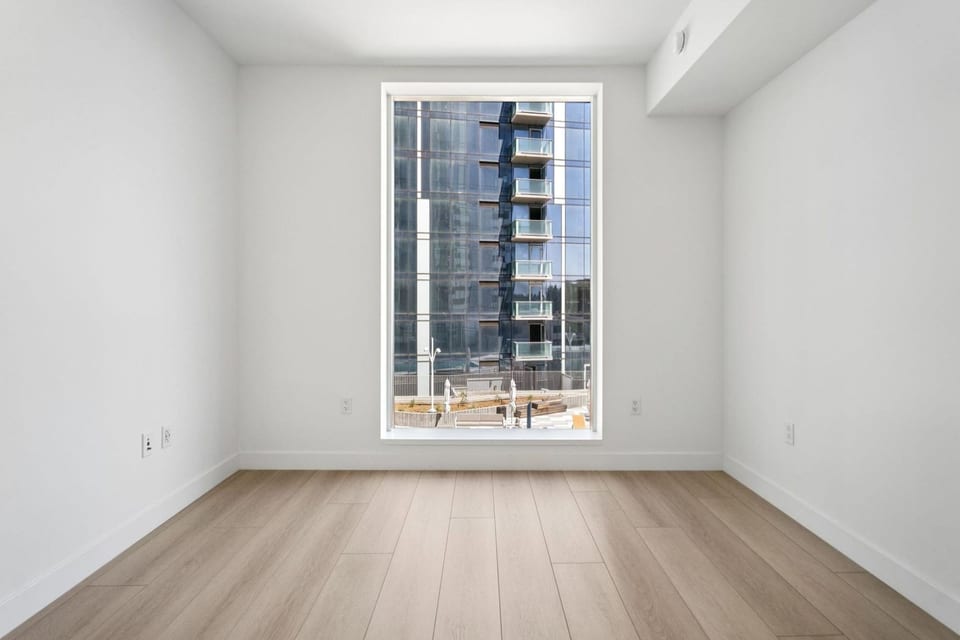
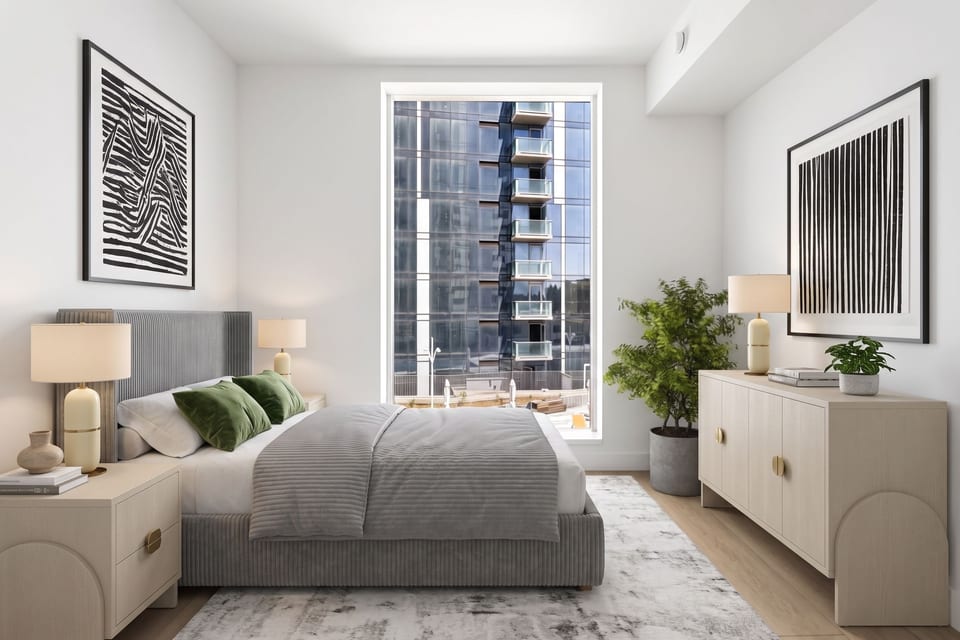
Virtual staging for real estate photographers
Add real estate photography virtual staging to every shoot. Stage the rooms you just photographed, empty or furnished, and deliver the staged photos with the edited set. You set the price.
Try it free: 6 staged photos, no card. Your photos are not used to train AI models.
Why agents ask photographers for staging
Agents care about photos. In NAR’s 2025 home staging survey, 73% of buyers’ agents called listing photos highly important to their clients. And in the 2025 Profile of Home Staging, 83% said staging helped buyers picture the home as their future home.
When the house is empty, the agent wants both, and many would rather book real estate photography and virtual staging with one vendor. If you don’t offer staging, your files go to a staging service. That adds a vendor, a delay and a copyright question. A May 2026 NAR post on AI tools tells agents to get the photographer’s permission before AI edits.
When you stage your own photos, the edit stays with you, and so does the fee.
- Empty or furnished rooms
- About a minute a photo
- Delivered with the edited set
- Not used to train AI
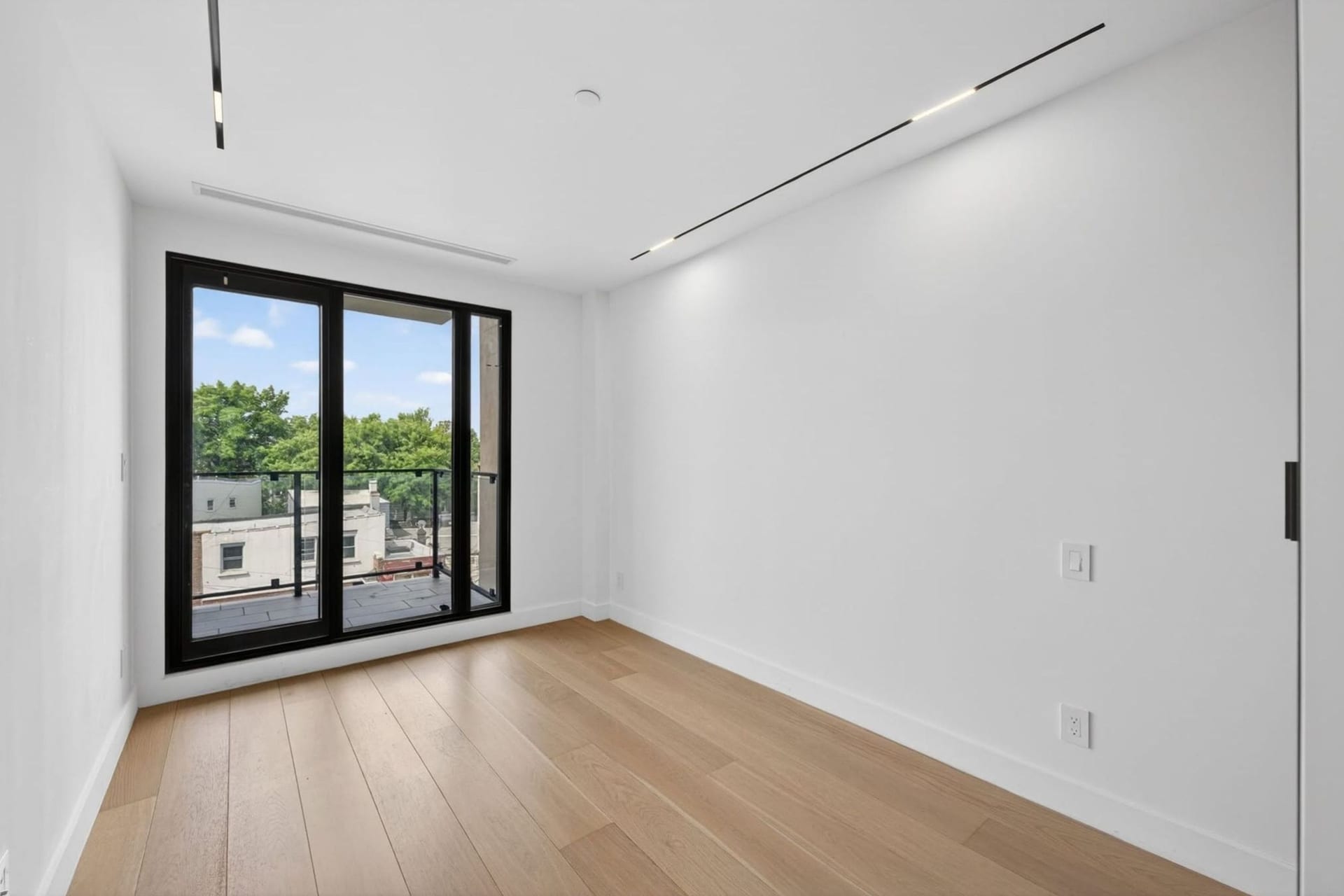
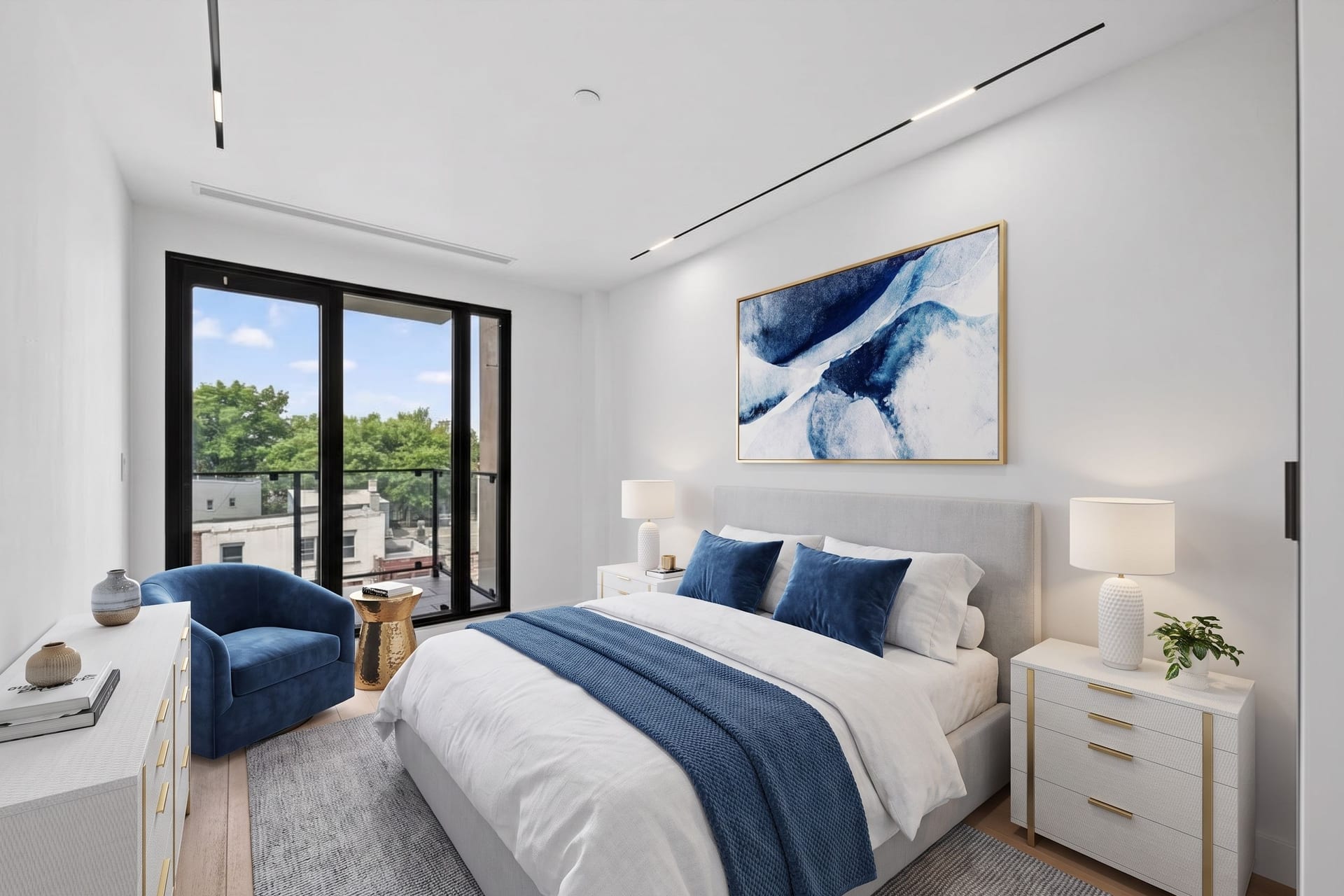
The math on real estate photography virtual staging
Most virtual staging software for photographers charges per photo or per credit. TINTY counts staged photos. Professional costs $79 a month for 100 staged photos, about $0.79 each. Billed yearly at $790, it comes to $0.66 a photo.
Unused photos roll over, up to one month’s allowance, so a slow month isn’t wasted. Downloads are included, and a quick edit or a second run on the same photo uses one more. Professional also includes email support at hello@tinty.ai.
Agents pay far more for the same result. Human staging services charge $14.40 to $70 per photo, and most charge $23 to $39 for one photo, per our cost comparison of 29 services. One New Jersey photographer lists virtual staging at $40 a photo.
five staged photos at $40 each bring $200 from one listing. On Professional, those five photos cost you under $4.
A workflow that fits your delivery
Shoot one wide corner angle.
For each room you plan to stage, take a clean corner shot with plenty of floor in view.
Edit as usual, then upload.
Run your normal edit first. Upload a JPG, PNG or WebP file up to 10 MB of an empty or furnished room.
Set up the room and the look, then stage.
A staged photo arrives in about a minute. Stage again if you want another look.
Deliver with the edited set.
Put each staged photo next to its original in your usual delivery gallery, with matching names such as living-original.jpg and living-staged.jpg.
Share a project link if the agent wants to compare.
It shows the original next to the staged photo, and the agent can download both.
Occupied homes too
Not every listing you shoot is vacant. A furnished room takes one extra step: TINTY removes the furniture and decor, keeps built-ins like cabinets and radiators, then stages the room. Clearing a room uses one photo, the same as staging it.
So staging is something you can offer on lived-in listings too, not only on empty ones.
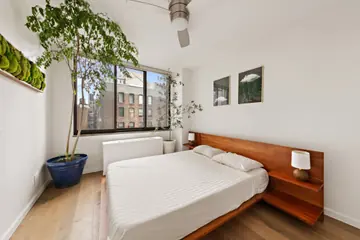
Furnished 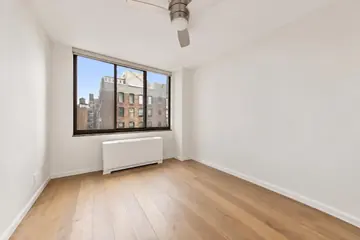
Cleared 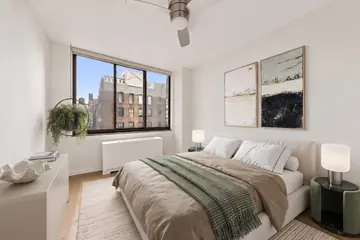
Staged
Pick the option that fits how often you stage
Photographers staging every week
Professional: 100 staged photos a month for $79, about $0.79 each, with rollover and email support. See Professional
Vacant homes only now and then
A one-time Listing pack: 30 staged photos for $29. Nothing renews, and the photos stay valid for 12 months. See the Listing pack
Photo studios with several shooters
Enterprise adds volume pricing, a shared team library and a named contact. Talk to us
Honest limits to tell your clients
- 2K, not 4K
- Staged photos are about 2,500 px on the long side in a 3:2 frame. That covers MLS listings, portals and letter-size flyers. If you deliver 4K stills, staged files will be smaller.
- Living spaces only
- No kitchens, bathrooms, exteriors or yards. A terrace is the only outdoor room type.
- Staging and furniture removal only
- No renovation or day-to-dusk edits. Removal clears the furniture and decor from the whole room; it doesn't pick out single items.
- One angle at a time
- In the app, furniture doesn't match across several angles of one room. For multi-angle sets, use TINTY Studio.
- Check every photo
- AI can still misjudge scale or place a piece oddly. Look at each staged photo before it goes to the agent.
- No API and no 360 or 3D tours
When you’re booked solid
Busy weeks happen. TINTY Studio stages your photos with TINTY's AI tools and finishes every photo by hand. Email the photos to hello@tinty.ai with the room type, the style and a floor plan if you have one.
You get a private link with the results in 2 to 24 hours, at $10 per photo, from 3 photos. See the results first and pay only if you're happy. For a multi-angle set, send every angle of the room in one email and say which photos belong together.
Disclosure: what your files should make easy
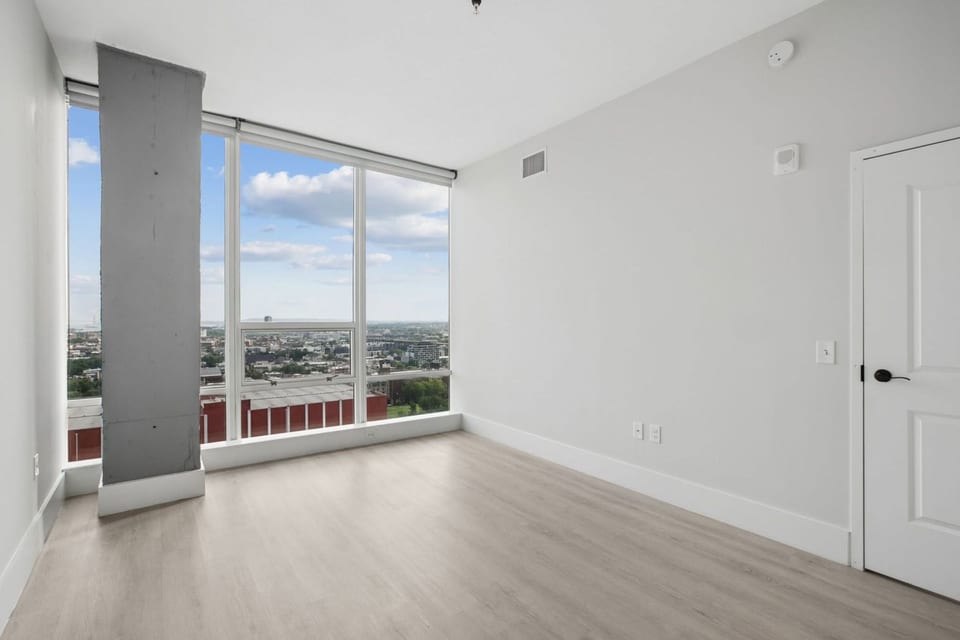
MLS rules bind agents, but your files decide how easy compliance is. Deliver each staged photo with its original. Add the optional "Virtually staged" label only if the agent's MLS wants text on the photo, because some MLSs ban text on photos and others require it.
In California, AB 723 covers people acting for the agent, which likely includes photographers (our reading). Our guide Is virtual staging legal? has a section for listing photographers. Never use staging to hide defects such as cracks, stains or water damage.
Virtual staging for photographers: FAQ
Yes. Photos staged on a plan or with a Listing pack have no watermark, and you can use them for any lawful purpose, including listings, ads and marketing. You set your own price to agents. Free photos are watermarked and are for review and sharing only.
Yes, through your own gallery. Photos staged on a plan or with a Listing pack carry no watermark, so you deliver clean files. The project link is a TINTY page, so share it only if you're happy for the agent to see TINTY. We don't offer a branded client portal.
2K, about 2,500 px on the long side in a 3:2 frame. That suits MLS listings, portals and flyers up to letter size. There's no 4K option.
A staged photo takes about a minute. TINTY Studio returns finished photos in 2 to 24 hours.
Yes. TINTY removes the furniture and decor first, keeps built-ins like cabinets and radiators, then stages the room. Clearing a room uses one photo, the same as staging it.
In the app, each photo is staged on its own, so the furniture won't match between angles. TINTY Studio handles multi-angle sets: send every angle in one email and say which photos belong together.
No. TINTY doesn't use your photos or the staged images to train AI models.
Try it on your last shoot
Upload a room photo from a recent job, empty or furnished, and get it staged in about a minute. Try it free: 6 staged photos, no card.