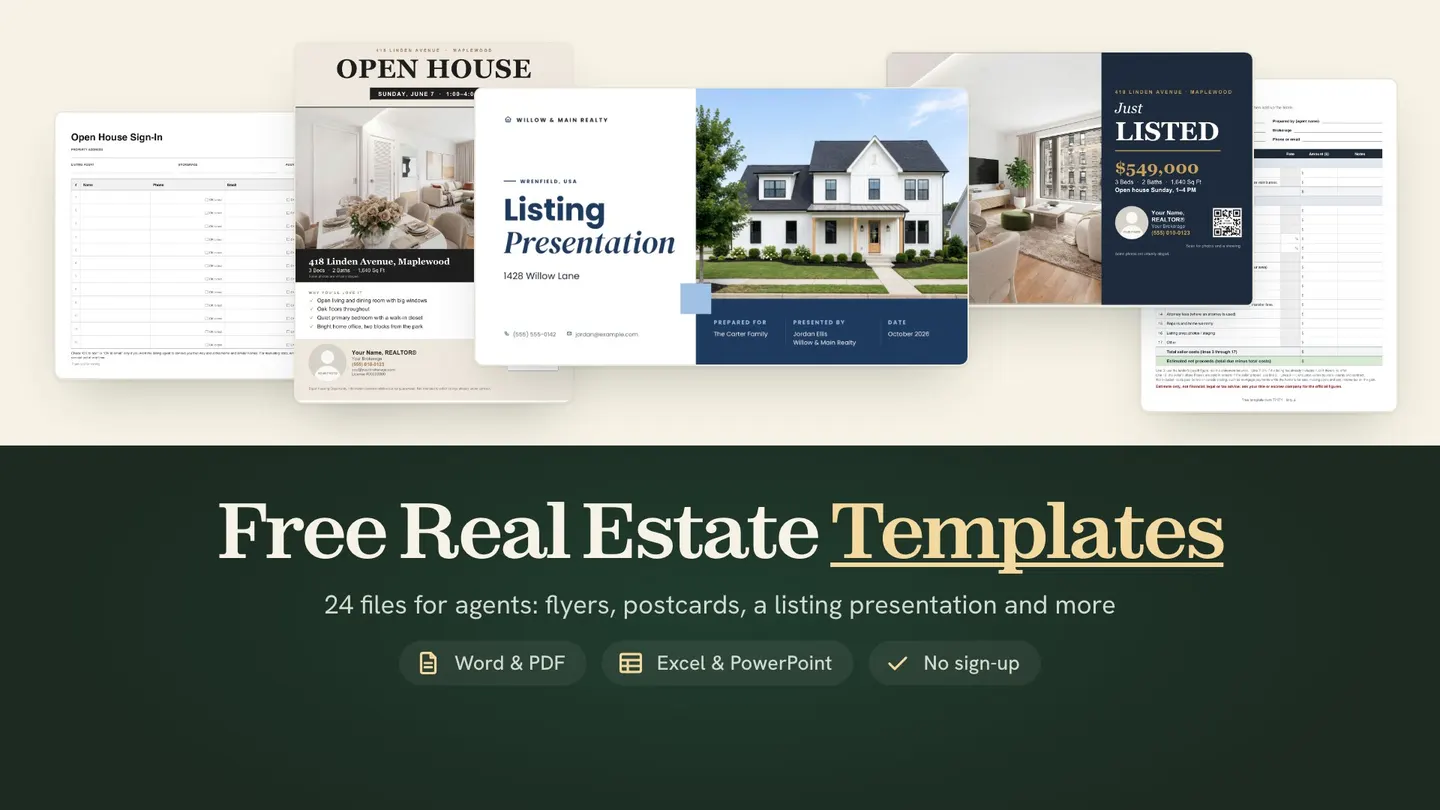
Where can I get free real estate templates? Right here, with no sign-up: 24 files for agents in Word, PDF, Excel and PowerPoint. They cover open houses, listing appointments, mailers, prospecting and listing photos. Each file is free to edit and links to a short guide on how to use it.
We make TINTY, an AI virtual staging app for real estate agents, and we built these templates for the guides on this blog. The sample photos in the flyers and postcards are rooms we staged. Notes on ad and mail rules are general information, not legal advice. Files and links checked November 25, 2026.
Key takeaways
- 24 free files: flyers, postcards, a listing presentation, a CMA, a net sheet, checklists, scripts and more. No sign-up.
- Editable formats: Word, Excel and PowerPoint files you can change, plus PDFs to print as they are.
- One job each: every template has a guide that explains what to write and which rules apply.
- Yours to brand: add your logo, photo, brokerage and license number before you print or send.
On this page: By stage · Open house · Listing appointment · Mailers and emails · Photos and ads · How to edit · Rules · FAQ
Real estate templates by stage of the deal
Most agents look for a template when a task is already due. This table shows which file fits which moment, so you can grab one and go.
| Stage | Templates | Formats |
|---|---|---|
| Finding sellers | Expired listing letter and scripts, postcards, emails | Word, PDF |
| Listing appointment | Listing presentation, CMA, net sheet, agent bio | PowerPoint, Excel, Word, PDF |
| Getting the home ready | Get-ready-to-sell checklist, photo shot list | PDF, Word |
| Open house | Sign-in sheet, checklist, feedback form, flyers | PDF, Word |
| After the sale | Just sold postcard, market update postcard | Word, PDF |
| Ads and flyers | Equal Housing Opportunity logo | PNG, SVG, PDF |
All of them are free real estate templates with no sign-up. The editable file is yours to change, and the PDF shows how it should print.
Open house templates
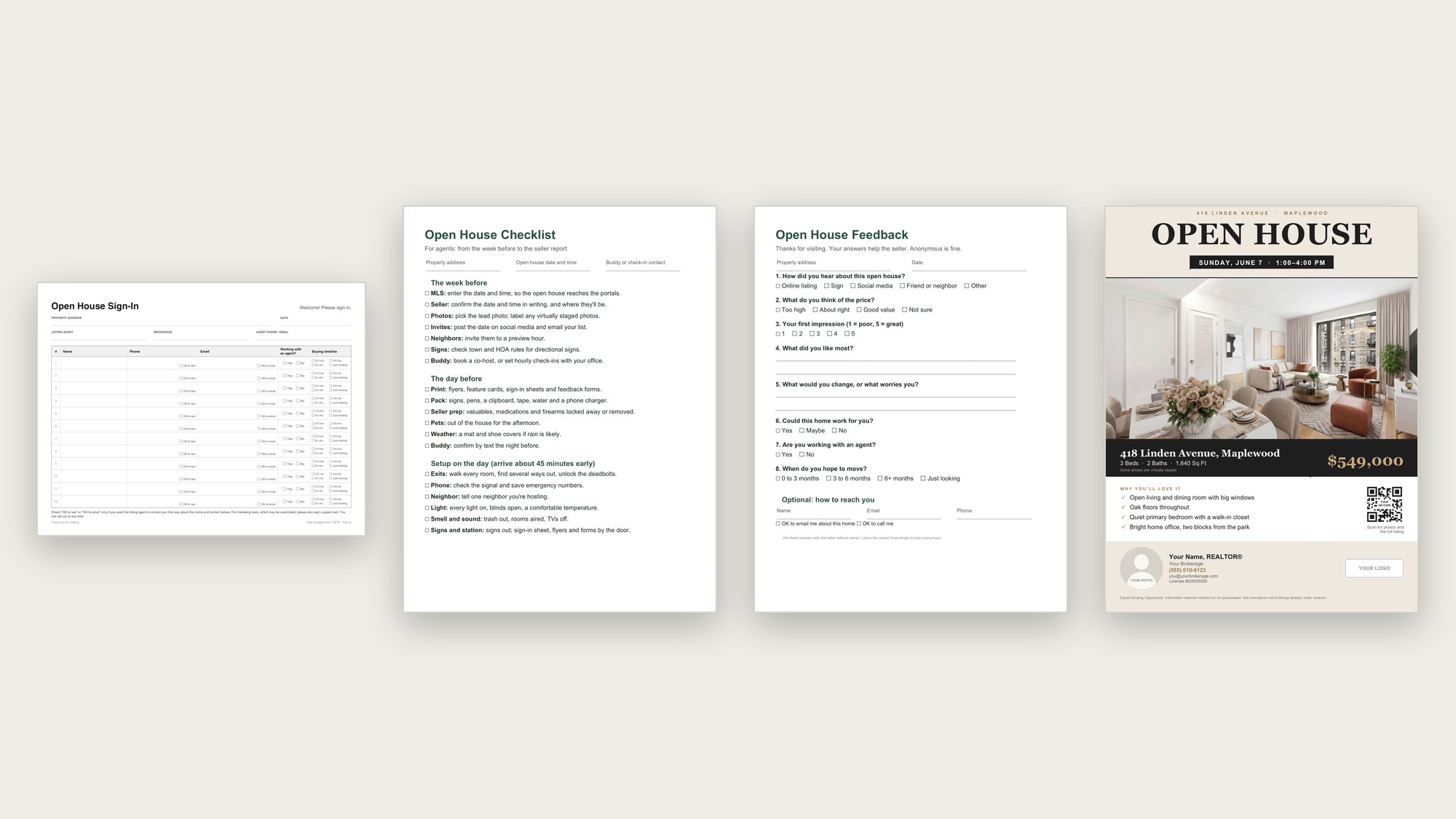
An open house needs paper at three points: before, at the door and after. These templates cover all three. All but the postcard print on US Letter.
- Open house sign-in sheet (PDF, Word): 12 guests per page, plus one-guest cards with “OK to text” and “OK to email” boxes.
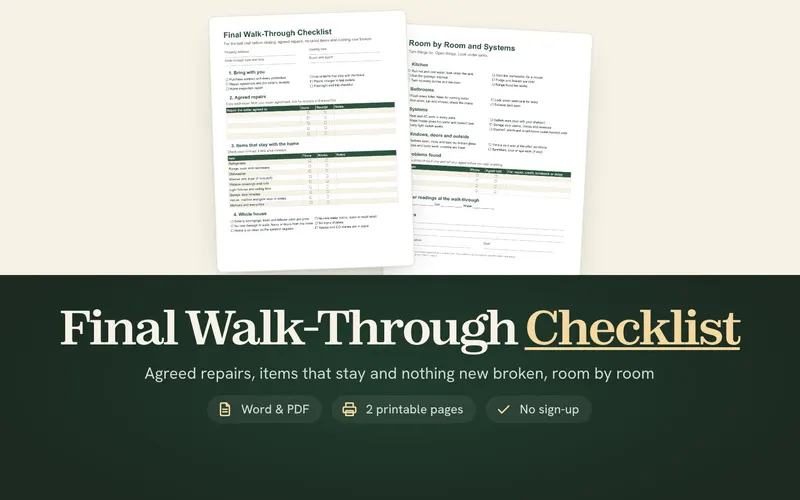
- Open house checklist (PDF, Word): every step from the week before to the follow-up, on two pages.
- Visitor feedback form (PDF, Word): asks guests what they think of the home and the price.
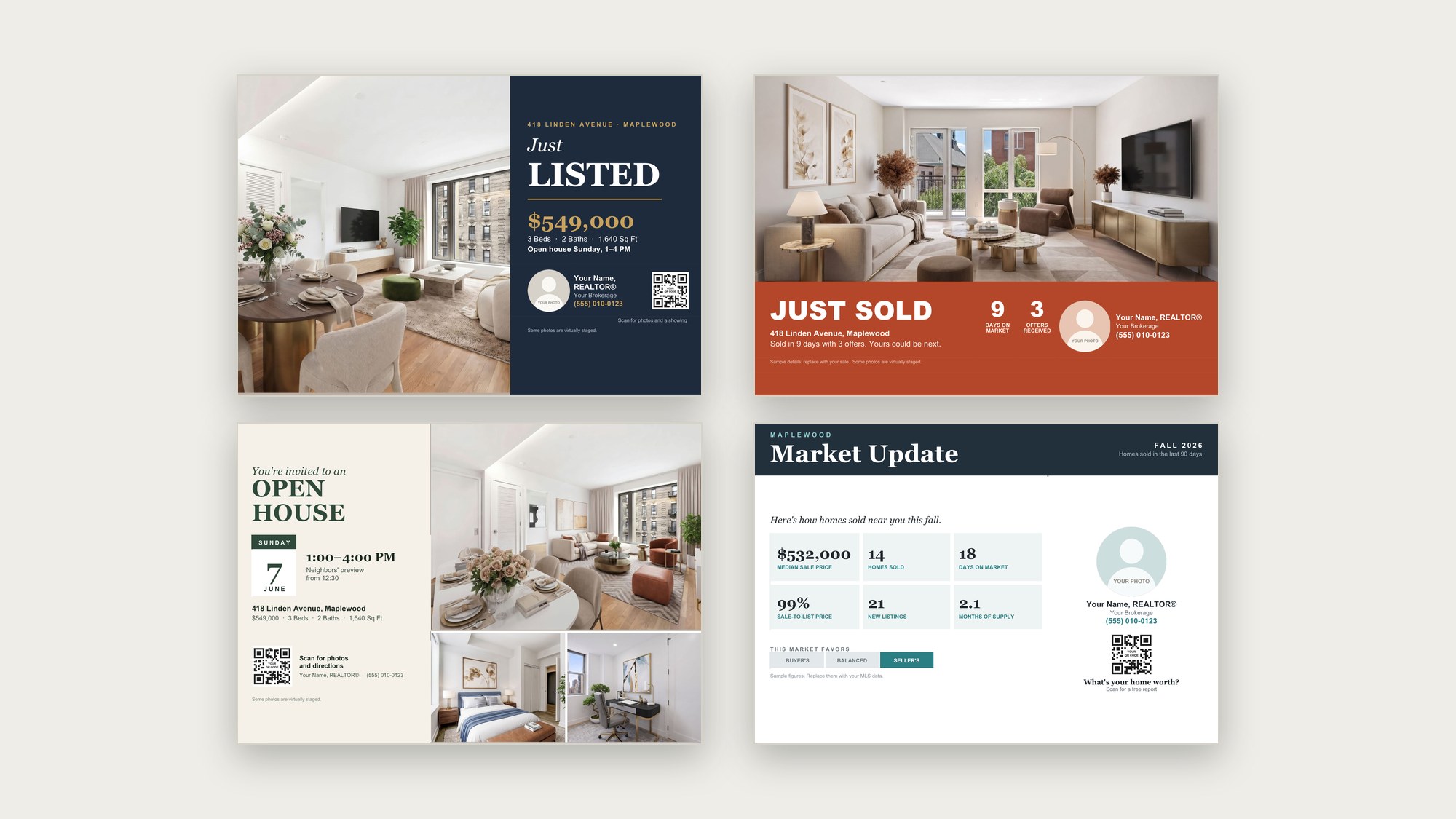
- Open house flyers (Word, PDF): three designs: classic, photo grid and half-page, two per sheet.
- Open house postcard (Word, PDF): an invite for the neighbors, sized for Every Door Direct Mail.
Start with the checklist a week out. Mail the postcard, print the flyers for the day and put the sign-in sheet by the door.
Planning your first one? Our open house ideas guide covers promotion, hosting and follow-up.
Listing appointment templates
Sellers judge you on how prepared you look. These templates give you the slides, the pricing math and the number sellers ask about first: what they’ll walk away with.
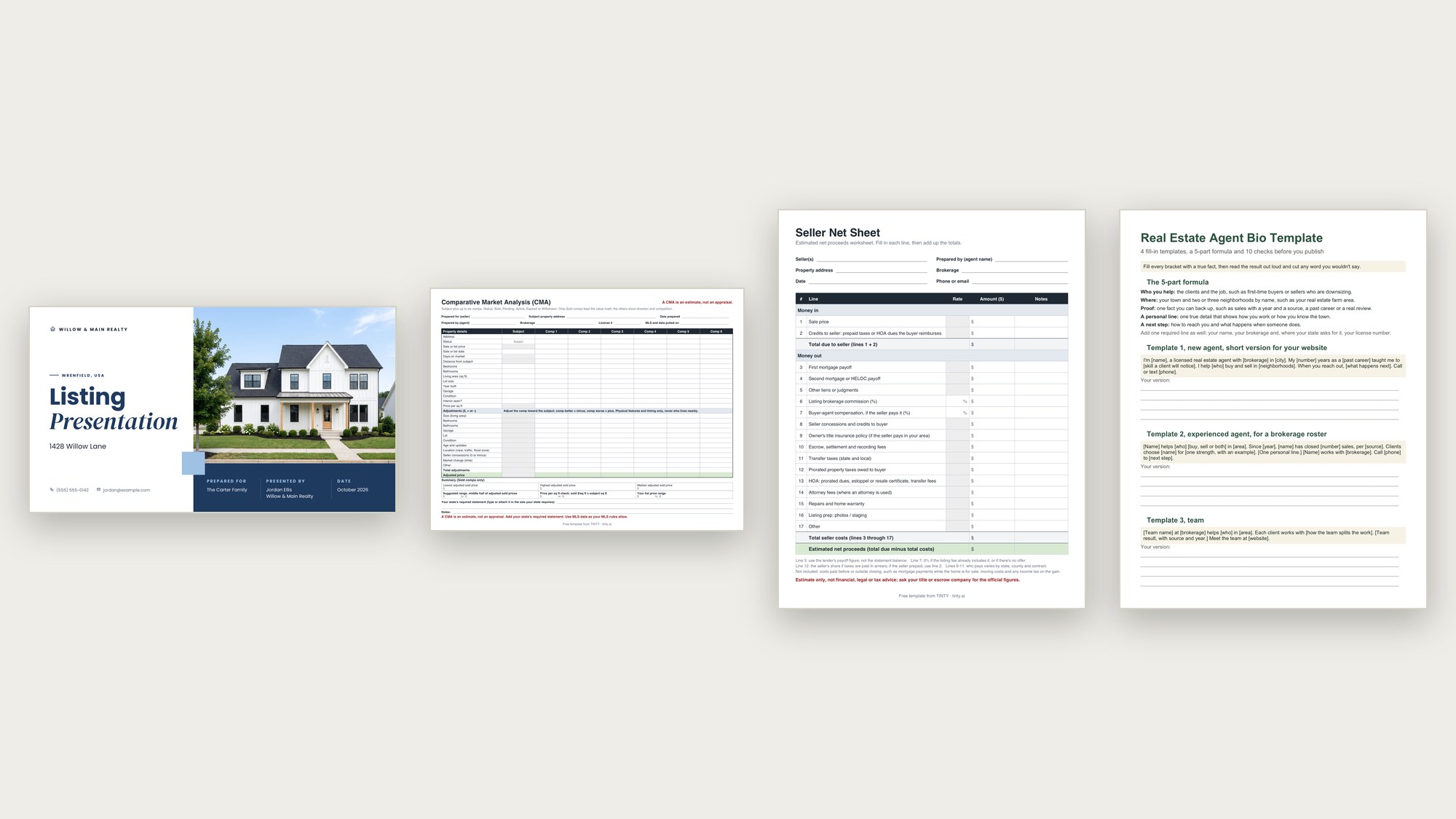
- Listing presentation (PowerPoint, PDF): five designs with 15 slides each, plus speaker notes. They also open in Keynote and Google Slides.
- Comparative market analysis (Excel, PDF): a CMA grid that does the adjustment math for your comps.
- Seller net sheet (Excel, PDF): 17 lines from the sale price to the estimated net proceeds.
- Agent bio template (Word, PDF): four fill-in versions built on a five-part formula.
- Get-ready-to-sell checklist (PDF, Word): a timeline to hand the seller once they sign.
Use them in that order. The presentation frames the meeting, the CMA supports your price and the net sheet turns the price into cash.
Example: bring the net sheet with two prices filled in. The seller sees what each price leaves them before they have to ask.
New to appointments? Our guide on how to get listings covers what comes before the meeting.
Postcard, email and letter templates
Mail and email keep your name in front of a neighborhood between listings. Each template carries one message, so the reader knows what to do next.
- Just listed postcard (Word, PDF): a tall photo, the price and a QR code.
- Just sold postcard (Word, PDF): a sale nearby, with an offer such as a home value report.
- Market update postcard (Word, PDF): six numbers for the neighborhood and recent sales on the back.
- 25 real estate email templates (Word, PDF): emails for leads, showings, listings and past clients.
- Expired listing letter and scripts (Word, PDF): a one-page letter to edit and six example scripts.
The email file groups its 25 emails by moment, and the guide adds a 21-day follow-up plan.
Rule: send a just sold postcard only for a sale you took part in. NAR’s Code of Ethics lets only the agents in the deal say a home was “sold.”
For a 12-month mailing plan, see our real estate farming guide.
Listing photo and ad files

Two small files save time on every listing. The photo shot list is a one-page PDF with a room-by-room list and a photo day checklist. Print it and tick the rooms off as you shoot.
Shooting with a phone? The same guide covers the settings, the 0.5x lens and camera height.
The Equal Housing Opportunity logo comes in black and in white, as PNG, SVG and PDF files. It goes at the bottom of flyers, postcards and ads. The guide explains when the logo is required and how large to print it.
Add staged photos to your flyers and postcards
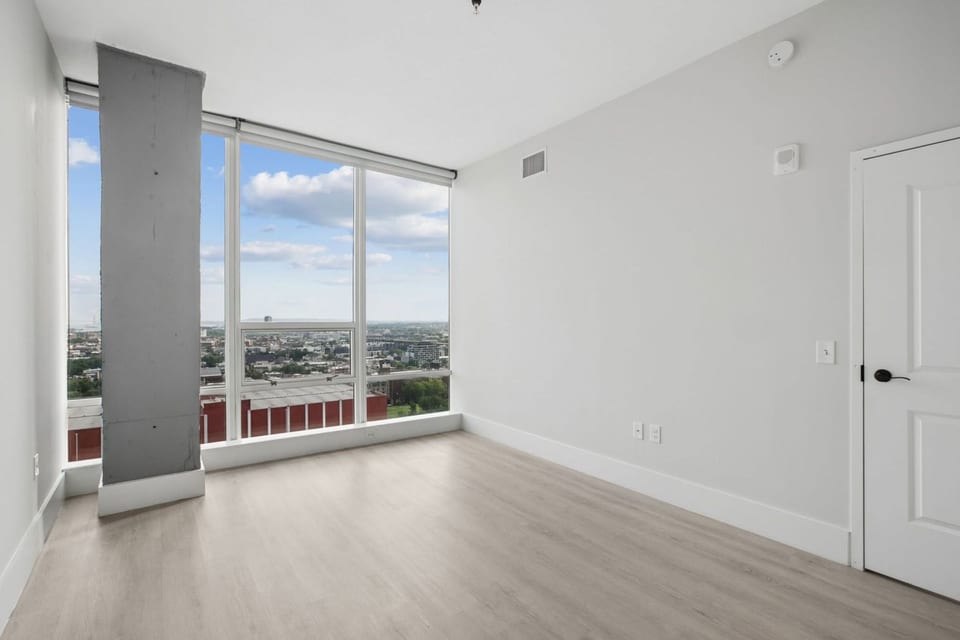
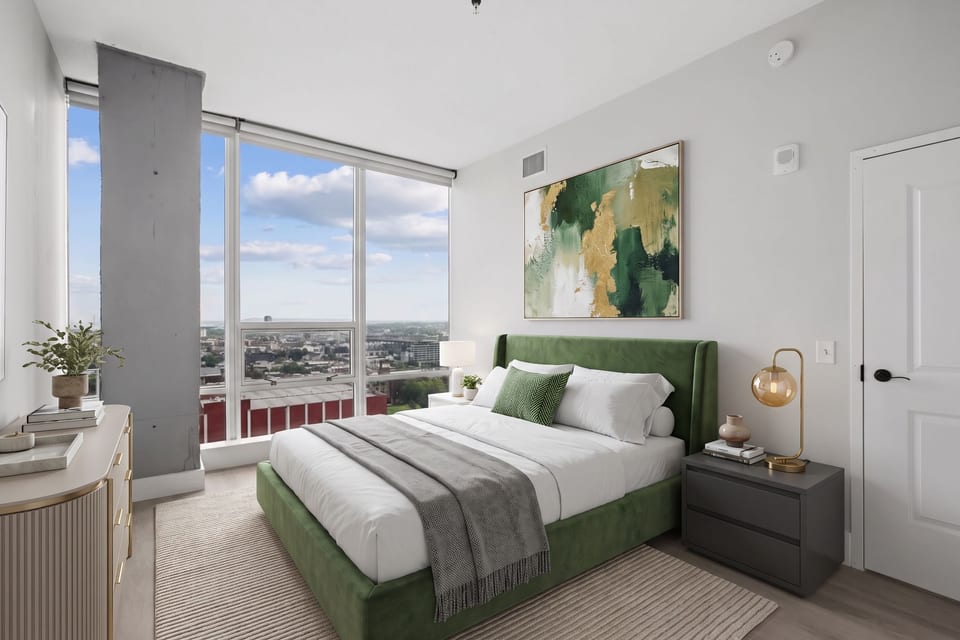
The flyer and postcard templates have large photo slots, and a photo of an empty room wastes them. Virtual staging adds furniture to the photo, so buyers can see how the room works.
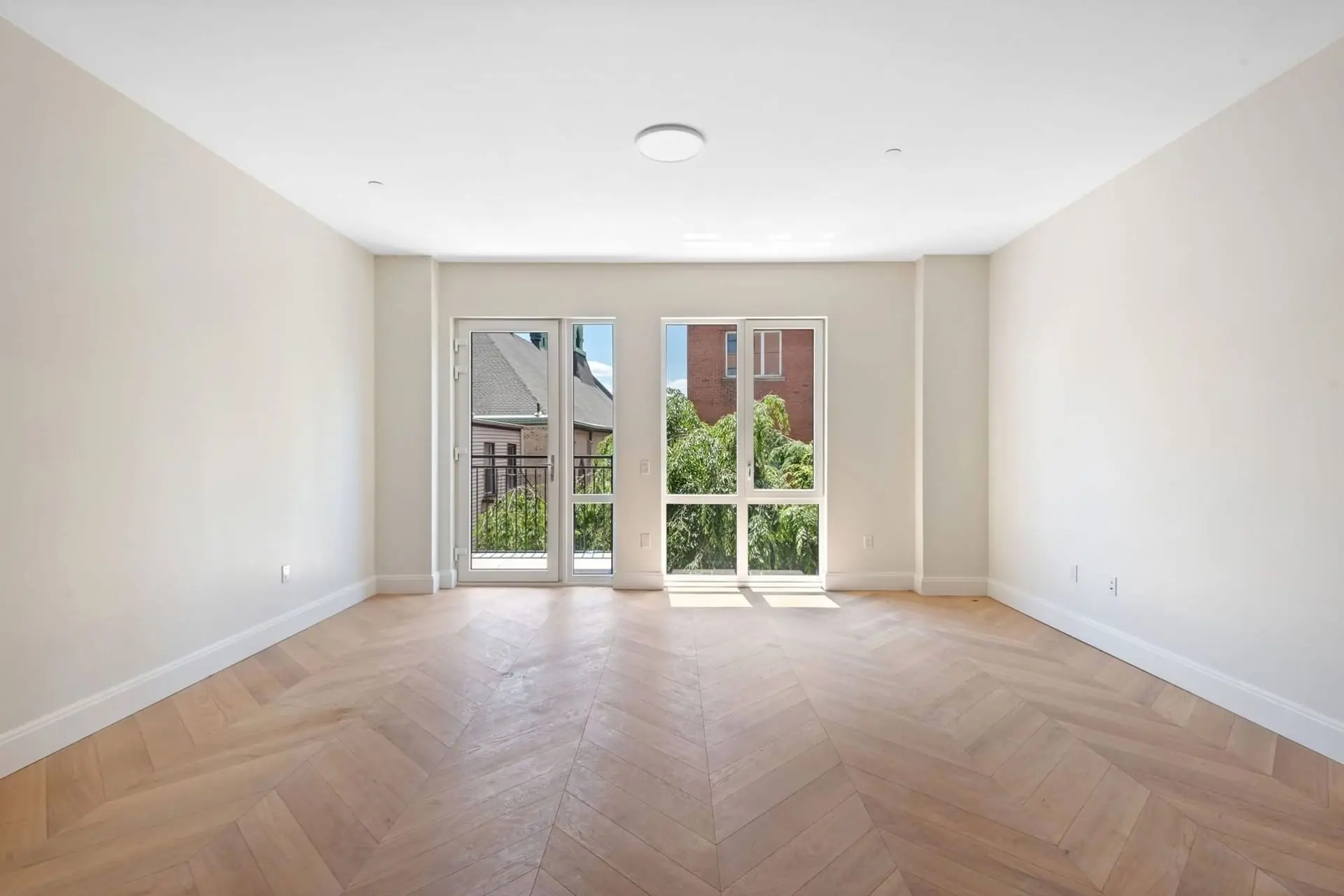

With TINTY, you upload a listing photo and get staged versions in about a minute. You can try it free with 6 staged photos and no card. Short on time? TINTY Studio stages your photos for you by email, within 24 hours.
New to the idea? Read what virtual staging is first.
How to edit and print the templates

Every editable file follows the same steps:
- Download the editable file: Word, Excel or PowerPoint.
- Replace the sample text and photos with your listing’s details.
- Add your branding: logo, photo, brokerage name and license number.
- Save a PDF before you print or email, so the layout stays fixed.
- Print on US Letter. For postcards, send the PDF to a print shop.
The postcard templates are 9 x 6.25 inches, a size most print shops sell for Every Door Direct Mail. Word files also open in Google Docs and Apple Pages, though spacing can shift. Check every page before you print a stack.
Rules to check before you print or send
A template saves time, but the rules still apply to what you add. Four checks cover most of them:
- Fair housing: describe the home, not the buyer. Federal rules bar ads that state a preference for who lives there.
- Staged photos: label them wherever they appear.
- Email: marketing emails need a working unsubscribe link and your postal address.
- Calls: check the National Do Not Call Registry before you use a phone script.
Each guide lists the rules for its own template. Your brokerage and your state may add more, so ask your broker when unsure.
Real estate templates FAQ
Are these real estate templates really free?
Yes. Every file downloads directly, with no sign-up and no email field. Use them for your own listings and marketing, and change anything you like.
What programs open the templates?
Word files open in Microsoft Word, Google Docs and Apple Pages. Excel files open in Excel, Google Sheets and Numbers. The presentations open in PowerPoint, Keynote and Google Slides, and the PDFs open in any browser.
Can I add my logo and brokerage name?
Yes. Each editable file has places for your name, photo, brokerage and license number. Check your state’s advertising rules for what an ad must show.
Do the templates work in Canva?
Partly. Canva can import the PowerPoint presentations in a desktop browser, but fonts may not match exactly, so check every slide. The Word and Excel files are made for office apps.
Which template should a new agent start with?
The agent bio and the listing presentation, because you need both before your first appointment. Add the sign-in sheet when you host your first open house.
How we researched this
Each template came out of a guide on this blog, written between October 6 and November 23, 2026. For every guide we read the pages that rank for the search, built the file and wrote the instructions around it. On November 25, 2026, we pulled US search data for “real estate templates” in Ahrefs and put every file on one page.
Sources
Show 7 sourcesHide sources
- Canva Help: Import PowerPoint presentations (beta; fonts may not match)
- 24 CFR §100.75: discriminatory advertisements and statements
- FTC: CAN-SPAM Act, a compliance guide for business
- FTC: National Do Not Call Registry
- NAR 2026 Code of Ethics and Standards of Practice (Standard of Practice 12-7)
- tinty.ai · TINTY Studio · TINTY pricing
- Open house sign-in sheet · Open house checklist · Open house flyer · Real estate postcards · Listing presentation · Comparative market analysis · Seller net sheet · Agent bio · Email templates · Expired listings · Equal Housing Opportunity logo